Product groups
Last updated: July 29, 2026
Why use product groups?
Product groups are used to combine products as if they were variants of each other. This lets you group similar products with different attributes like flavor or size so that email recipients see those products as if they were variants of each other.
Combined Listings workaround: If you're using Shopify's Combined Listings app to link products together, those products won't automatically be swappable in the subscription portal. To enable swaps between Combined Listings products, create a Product Group in Zaymo that includes those same products — they will then appear as swappable “variants” in the subscription portal.
This enables the following features typically reserved for products with variants:
Subscription portal - swapping products in an upcoming order
Product block - Allowing product selection in a variant drop down
How to build product groups
Prerequisites
Before creating product groups, ensure that all products you want to include are published to the Shopify online store channel. Product groups cannot be created with unpublished products.
Product groups page
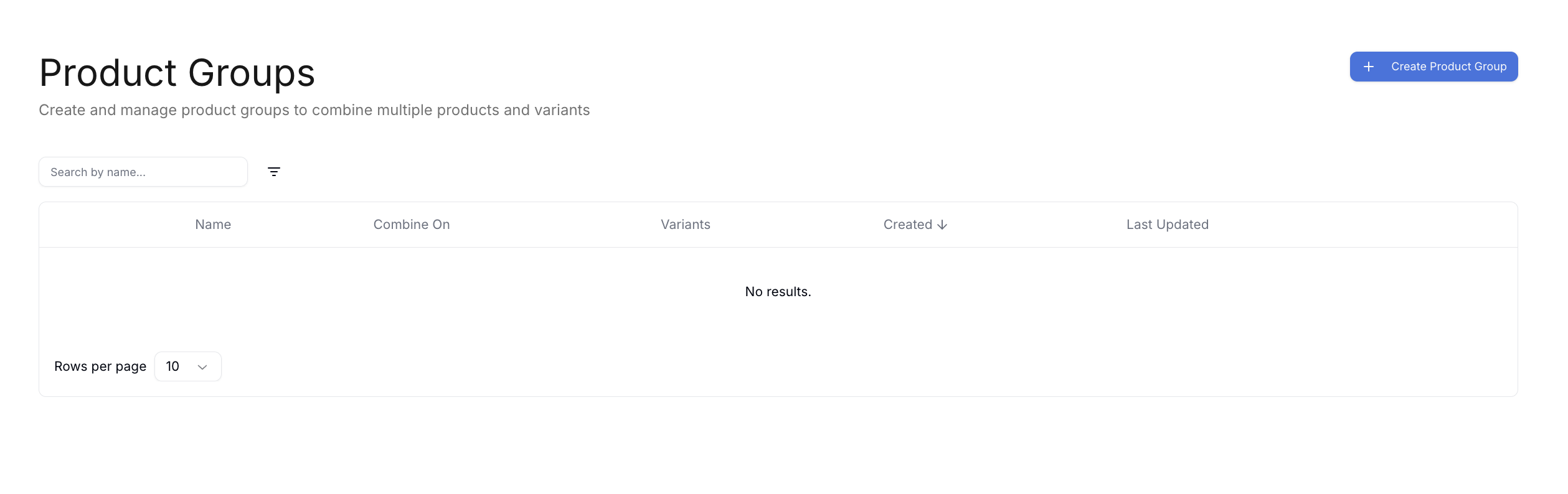
Product groups are managed on the product groups page, which is a primary tab accessible from Zaymo's home page
How to configure product groups
Selecting Create product group will open the Create product group modal that has the following naming settings:
Setting | Description |
Group name | Internal name. This is how the product group will show up in product searches in Zaymo |
Group title | External name. This is how the product group will appear to email recipients as the default title in the product block |
Option name | External name. This will take the place of the variant name in the product block. Use this to describe the category in which the products in the product group differ (ex: flavor, size, color, etc.) |
Source
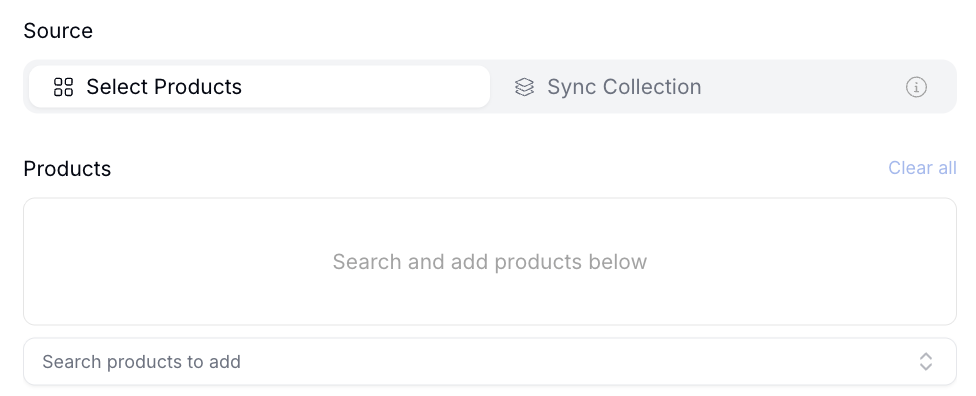
You can either manually select products to add to a product group or sync the product group with a Shopify collection.
If you have a large group of products that may change over time, it is best to sync to the Shopify collection as a source of truth.
How to use product groups
Product groups for swapping products in the subscription portal
When an email recipient has an upcoming order with a product that belongs to a product group, the product will show the variant dropdown to allow product changes for the next order.
Product groups for selecting products in a product block variant dropdown
When searching for products in a product select modal, product groups will show up alongside products. They will have a tag that says Product Group: Group name .
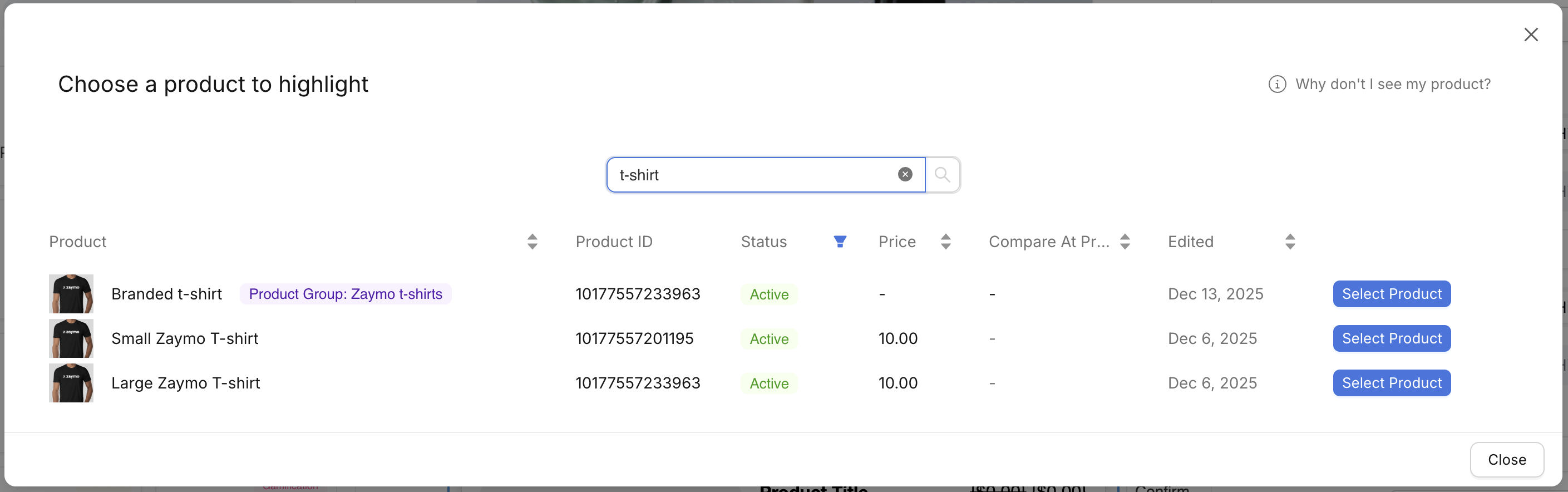
When a product group is used in a product block, customers can only select one option from the dropdown. This makes product groups ideal for scenarios where you want customers to be able to change variants or to limit selection to a single choice, such as offering free gifts where customers can choose one item from multiple options, or presenting exclusive offers where only one product should be selected.
FAQ
If I create or change a product group, do I need to re-export a Zaymo email?
No, product group changes affect live emails. Zaymo emails pull product information the moment the email is opened, and it is not hard-coded into the email on export.
How does Zaymo handle variants in the product groups?
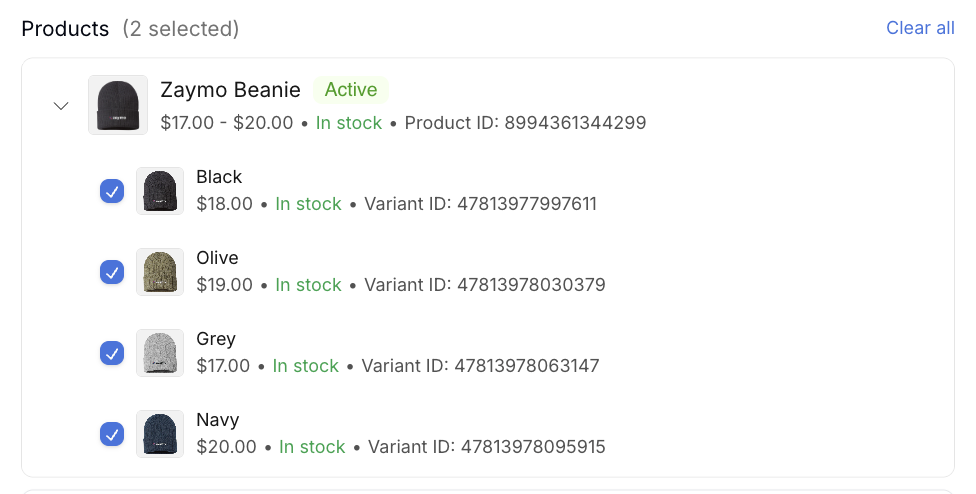
By default, Zaymo includes variants as additional products inside a product group. If you want to exclude variants, you may do so if you manually select products in the product groups.
Once you add a parent product, the product will expand to show its variants. Simply deselect any variants you do not want as part of the product group.