Where do prices come from?
Last updated: August 28, 2026
Prices displayed in Zaymo blocks come from your Shopify and subscription provider setup.
The most common reason a displayed price is not as expected is that the wrong product is being pulled into Zaymo; if you see a discrepancy, be sure that you have directly copied the correct product ID from Shopify when selecting the product. If you're unsure of the product ID, this can be found by navigating to the product page in Shopify and looking at the URL.

Price calculation
Display prices come from a combination of the following:
Shopify variant price
Selling plan discount (including one-time discount)
Discount code(s)
Generally:
display_price = shopify_variant_price - selling_plan_discount - discount_code
Upcoming order / cancelled subscription prices
For items in a customer’s upcoming order or cancelled subscription, the price shown in the block matches what is reflected in their account.
If prices don’t appear correct on the subscription portal, it may be due to your subscription provider or discount setup — in that case, use the detailed order summary option.
Shopify variant price
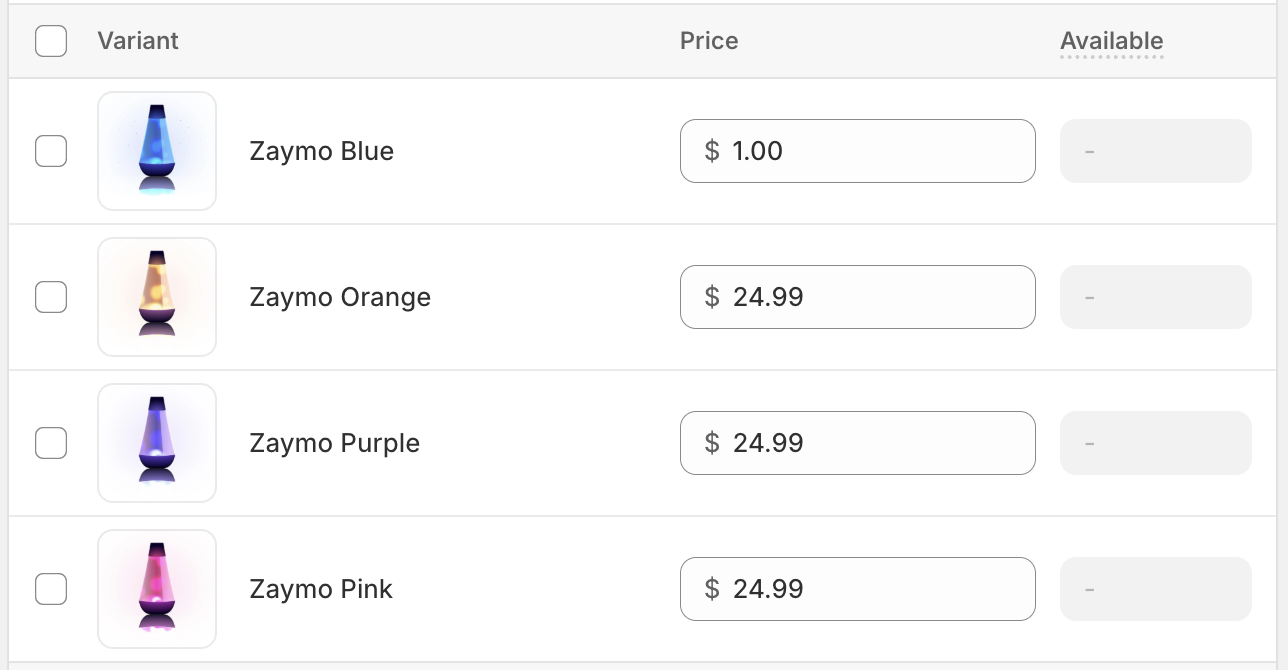
The variant price is the base price for every product. This can be found and validated by navigating to the product page in Shopify and scrolling down to the variant section.
Sale prices and compare-at prices
If a variant has a compare-at price higher than its price, Zaymo shows the lower price with the compare-at price struck through beside it. This happens automatically, with no setting to enable, and it is how a sale appears in your emails.
If there is no compare-at price on the variant, no strikethrough appears.
Automatic discounts and discount codes behave differently. An automatic discount does not change your variant price, so the email shows the full price and the discount is applied when the shopper reaches checkout. Their total will be correct, but the sale will not be visible in the email. If you want a sale visible in the email, change the price and set the compare-at price to the original.
Running a storewide promotion? See Running a sitewide sale: how sale prices show in your emails for the full checklist.
Selling plan discounts
Selling plan discounts apply whether an item is purchased as a subscription or a one-time upsell. Both types of discounts are configured with your subscription provider.
The swap-up block also has an option to disable selling plan discounts. This is intended for cases where the discount isn't applicable for existing customers (e.g., when the selling plan discount only applies to the first order).
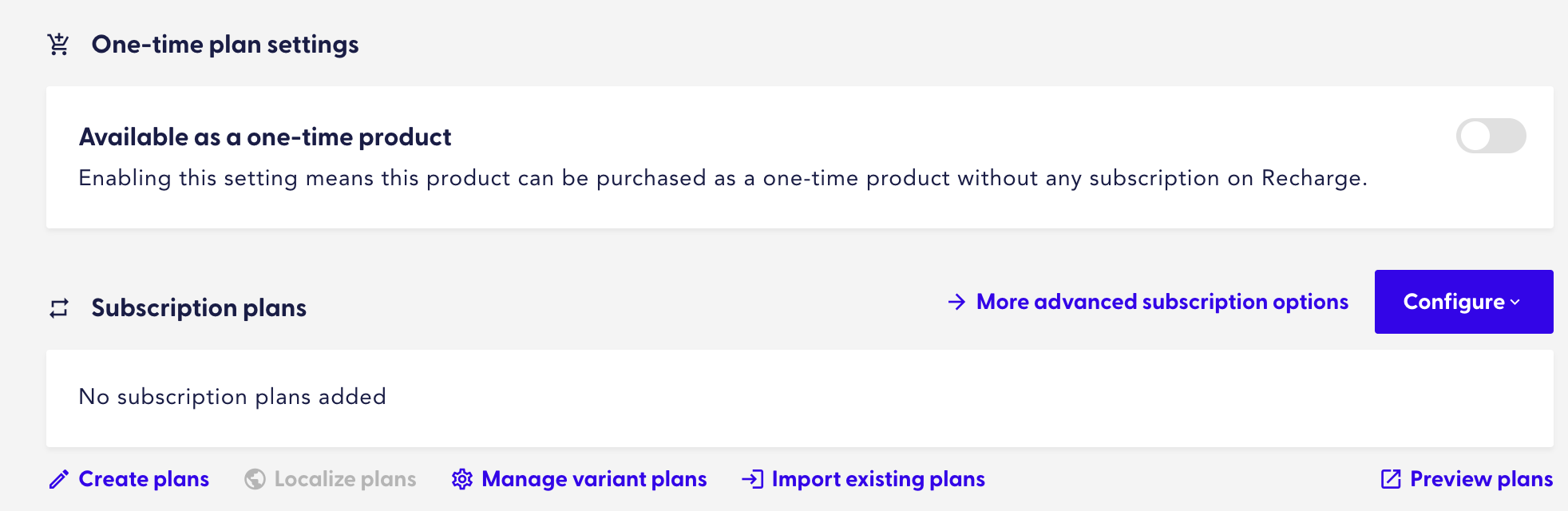
Recharge
Navigate to products and select the product in question. Both one-time and subscription selling plan discounts can be configured from here.
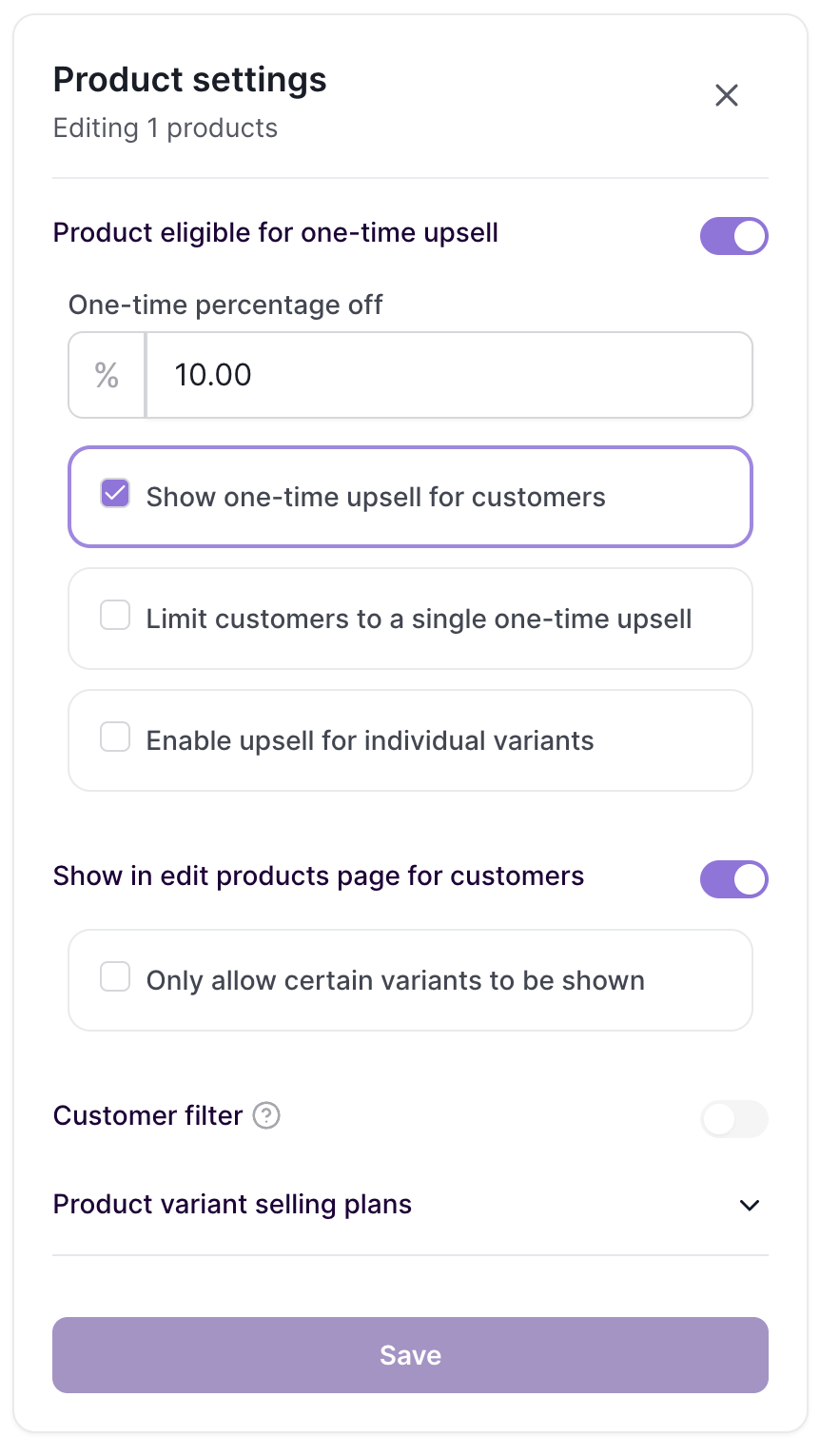
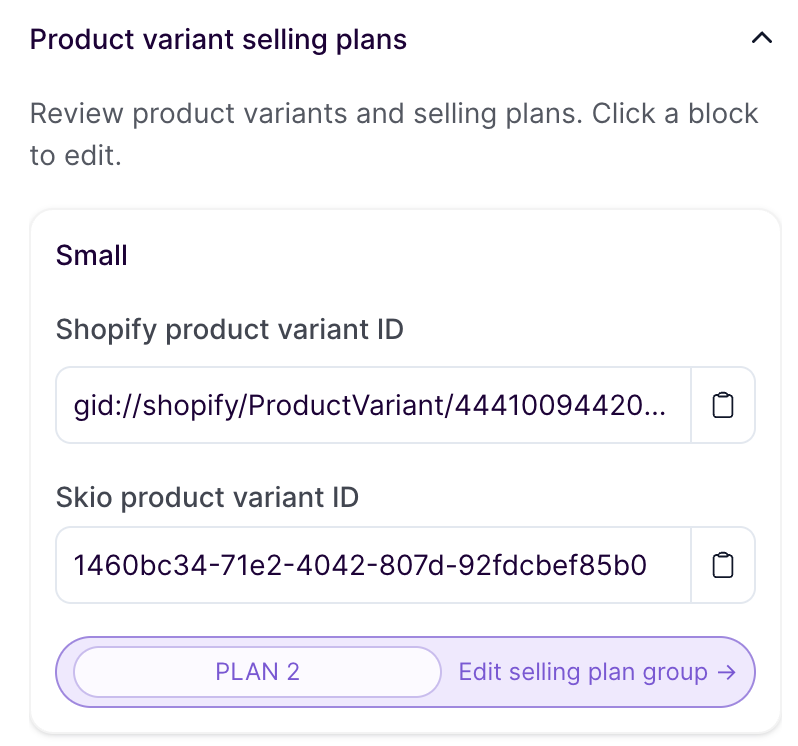
Skio
Navigate to tools > products and select the product in question to view and edit one-time discounts. Applicable subscription selling plans are visible here, and the discount details can be viewed by expanding the menu and clicking edit selling plan group
 |  |
Stay.ai
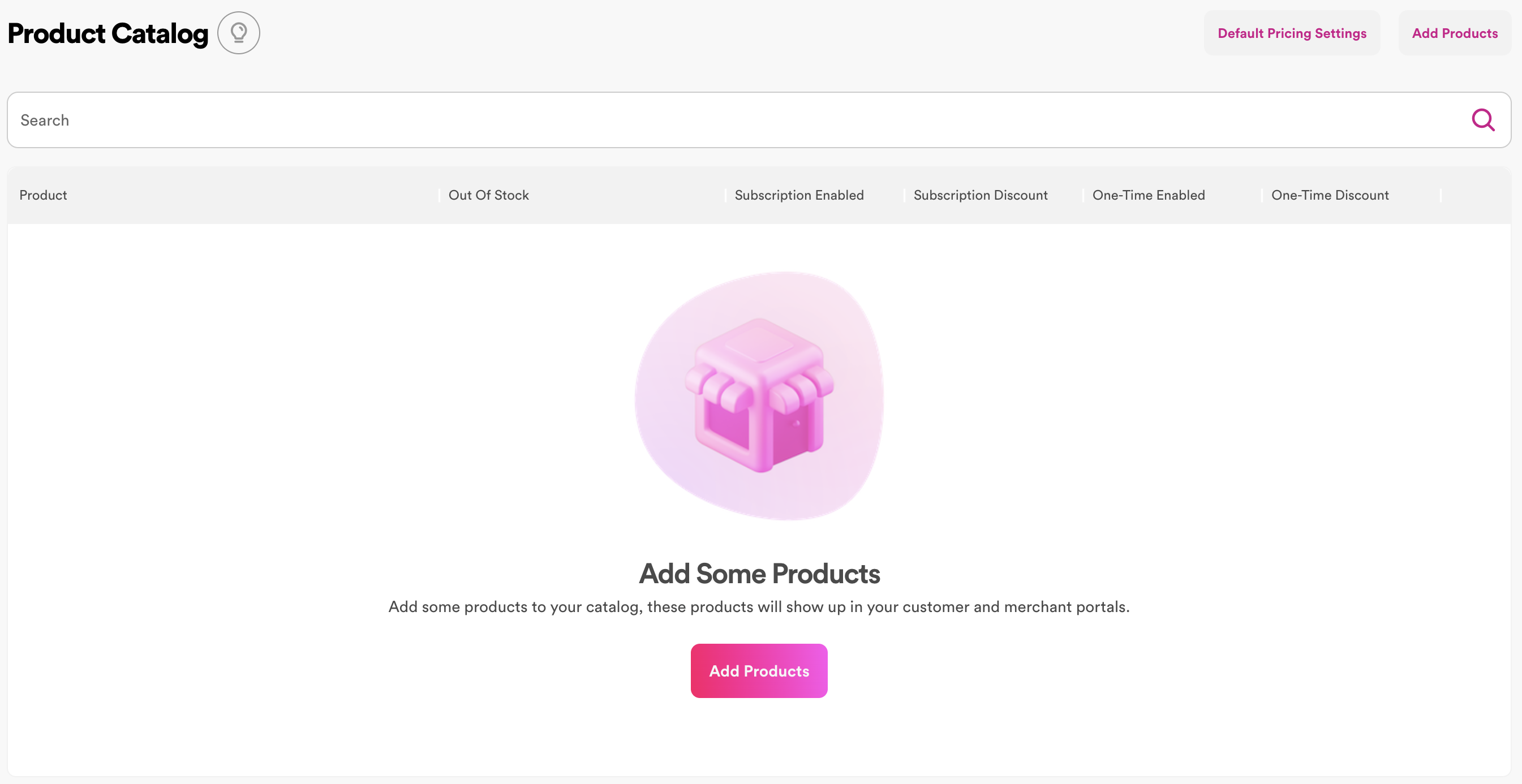
Navigate to products > catalog, which will allow you to see at a glance which discounts apply. To edit the discounts, click on the product to get to the product details page. One-time discounts can be edited here directly, and the relevant selling plan discounts can be configured from subscription setup > selling plans.
Discount Codes
Discount codes are applied after selling plan discounts have already been taken into account. For Recharge users, discount codes must be configured both in Recharge and Shopify.
For more details, see 📄 How to use discounts in Zaymo blocks