Abandonment flows
Last updated: November 5, 2026
Goal: Increase recovery rate for abandonment flows
Block: product grid
Why use Zaymo for an abandonment flow?
Because of certain limitations, Zaymo is often not the right choice for an abandonment flow. You should not expect a significant lift in conversion rates. Make sure you read the known limitations below before deciding to use Zaymo for an abandonment flow.
Zaymo can make the abandonment email more engaging. Primary benefits are:
Customers can change variants in the email
You can pre-apply a discount code to the products in the email
Zaymo product grids are better-designed than most Klaviyo product blocks
What you'll be building
Interactive | Fallback |
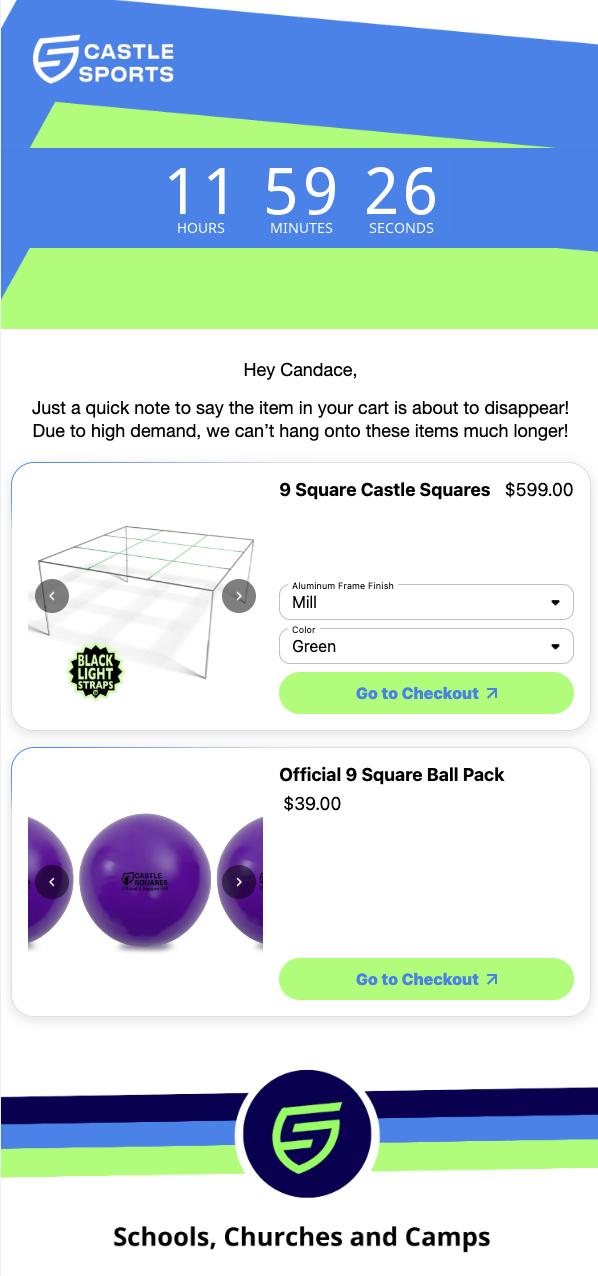 | 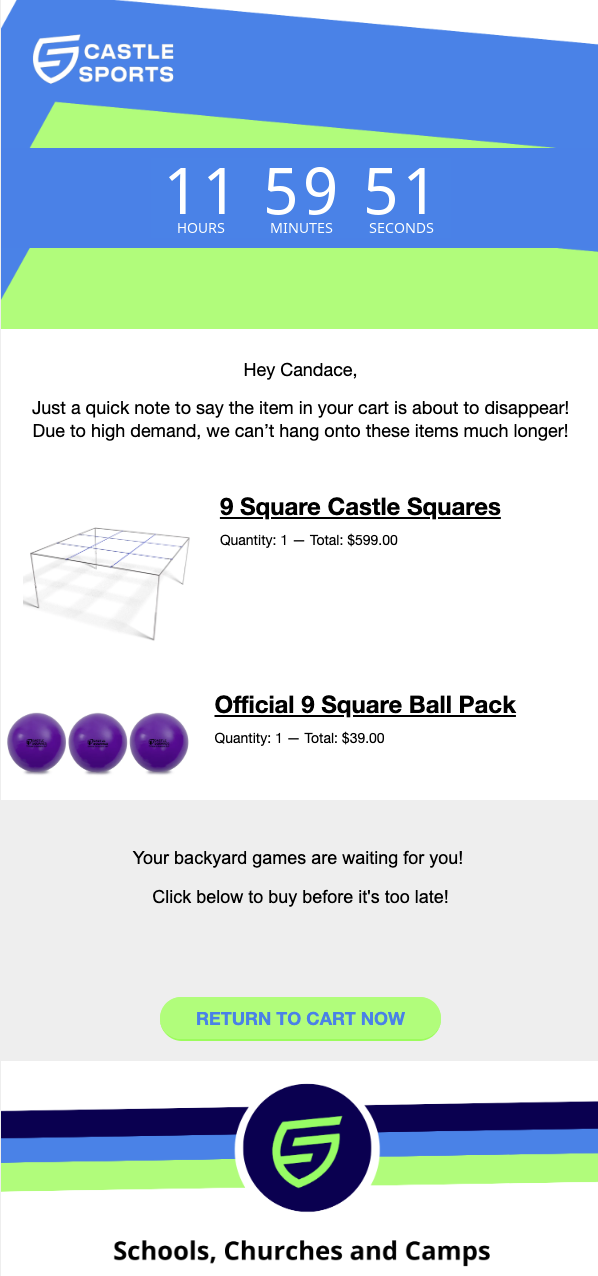 |
Implementation guide
Step 1: Create a non-interactive template in Klaviyo
This template will be used as a fallback for customers who aren't able to view interactive emails.
Step 2: Insert the product grid in Zaymo
Open your abandonment flow in Zaymo, click the email you want to make interactive, and click Convert with Zaymo
In Zaymo's builder, delete the CTA that links back to the PDP or collection with the Zaymo. Delete the dynamic product list as well
Add the Zaymo product grid block
Edit the branding to help the product grid block match the email
Step 3: Select the correct product feed in Zaymo
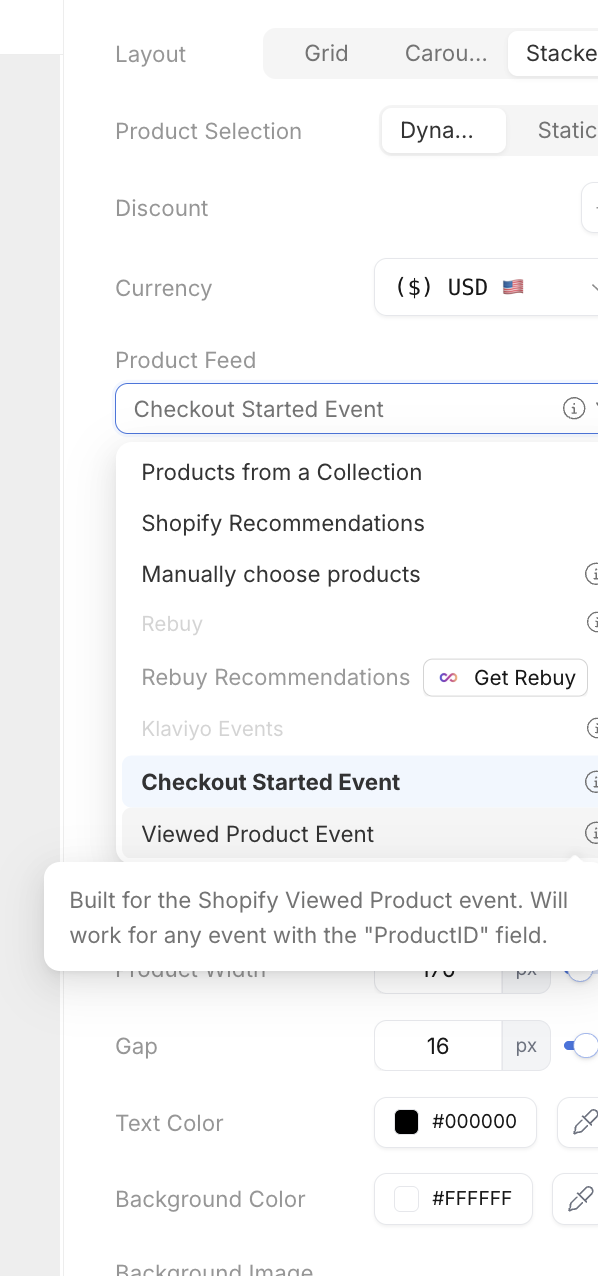
In the Product Feed setting of the product grid, choose either the Checkout Started Event or the Viewed Product Event
The Checkout Started Event works with any Klaviyo trigger with the extra.line_items.product.variant.id field or the items.variant_id field.
Checkout Started event
Added to Cart event
Etc.
The Viewed Product Event works with any Klaviyo trigger with the "ProductID" field.
Viewed Product event
Etc.
Step 4: Check it and send it to Klaviyo
Zaymo syncs your changes to Klaviyo on its own, about 10 seconds after you stop editing. You'll see a small "Syncing" note while changes are saving, and it goes away once they're in Klaviyo.
In a flow, click the three dots on the email's card and choose Preview to check it. To send yourself a test, click the card to open the email's details panel and click Send test.
Step 5: Set the email live
If you converted the email from your abandonment flow, it's already in the flow. Just set it live when you're ready.
Known limitations
User can only go to checkout with one item
With a Zaymo product block, the email recipient cannot build a cart in-email. As a result, when they click the Go to checkout CTA, they will be redirected to checkout with that specific item--not a full cart.
If you typically have customers checking out with multiple items, a Zaymo abandoned cart setup is probably not right for you.