Review collection: best practices
Last updated: March 11, 2026
Goal: Boost product review collection rate post-purchase
Block: Reviews
Why collect reviews in the email?
Customers want to leave feedback, but they often don't want to leave feedback strongly enough to chase down the form. By offering in-email review collection, you cut out the most significant point of friction.
Compared to your subscription app's Klaviyo integration, you should expect ~30% - 50% lift in reviews collected! We recommend an A/B test so you can see it yourself.
Zaymo only collects product reviews, and the Zaymo block requires the specific "eligible for review" trigger sent to Klaviyo by your reviews provider.
What you'll be building:
Interactive Version | Fallback version |
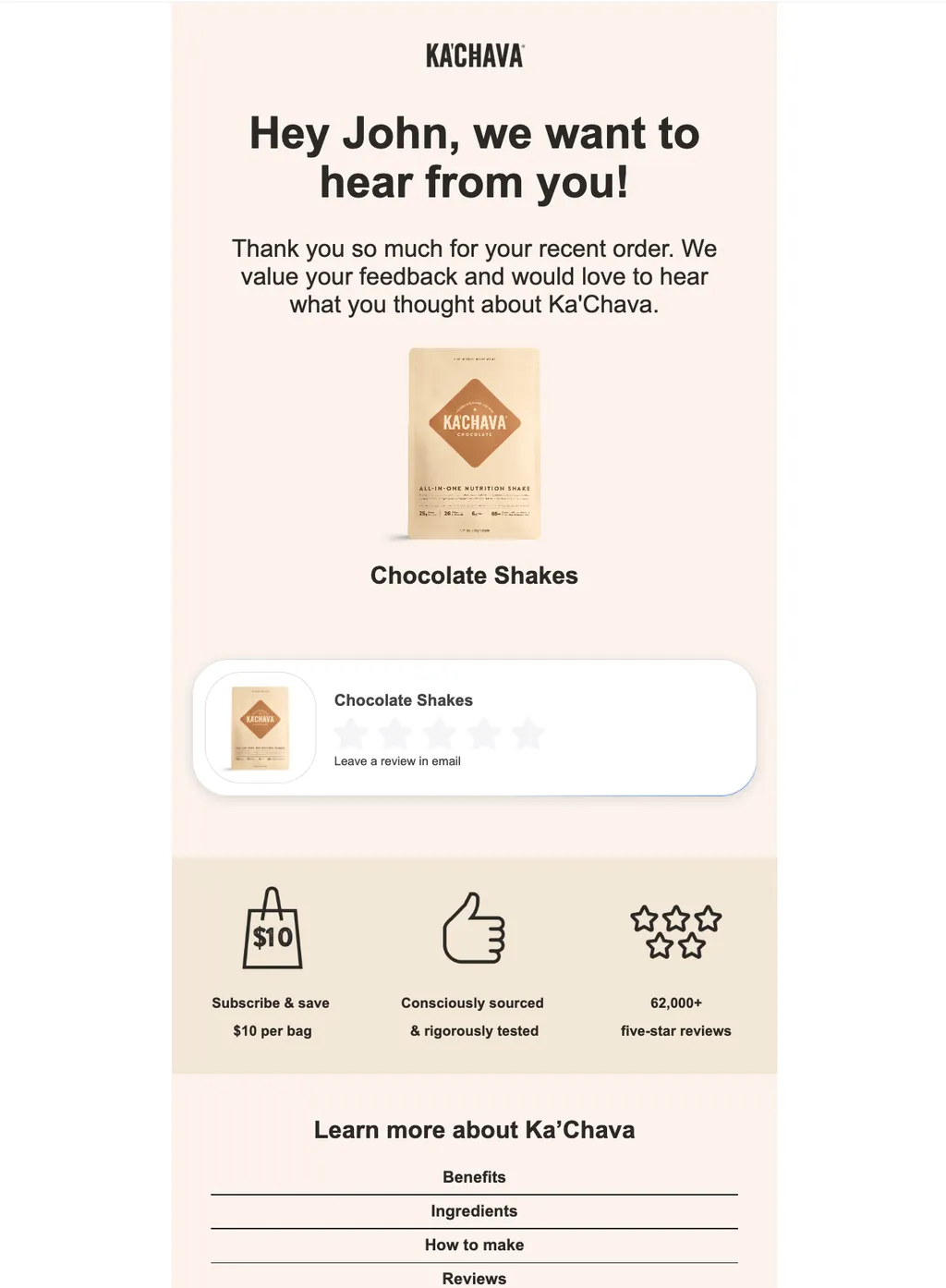 | 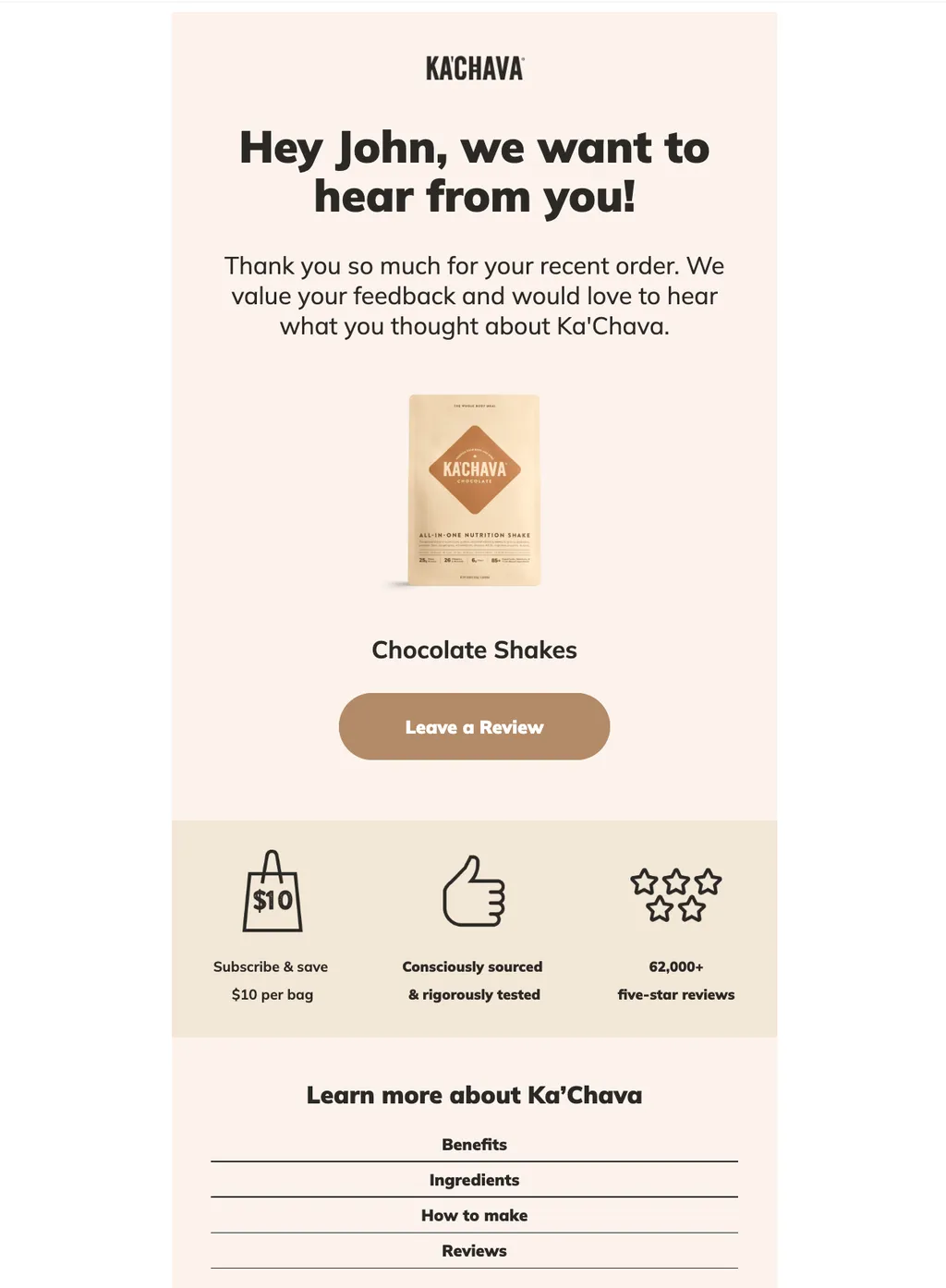 |
Implementation guide
Create your non-interactive template in Klaviyo
This template will be used as a fallback for customers who aren't able to view interactive emails
Build a Klaviyo flow using your review platform's "Eligible for Review" trigger
Zaymo relies on the review event data to pull the correct products into the review block, and is therefore not usable in campaigns
Each provider has its own trigger, for example:
"Eligible for Okendo Review Request"
"Junip - Review Request"
"Eligible for Yotpo Review Request"
"Eligible for Judge.me Review Request"
Build in Zaymo
Import your template from Klaviyo into Zaymo
Add the Zaymo block(s) into the email
The Reviews block will automatically populate with the specific product(s) based on the trigger event
Delete any repetitive or non-applicable elements
For example, you'll want to delete the old review CTAs and dynamic blocks
Export back to Klaviyo
Click on "Preview / Export"
In the previewer, view the email and ensure that it looks as expected on desktop vs mobile, and Apple vs Gmail. You can also send yourself test emails to review
Once you're satisfied with the appearance, export the template to Klaviyo
If you'd like to run an A/B test, export the template as an A/B test. More info here:📄 How to use a Zaymo in-template A/B test
Add your new template into the review flow
Examples & best practices
Annotated example
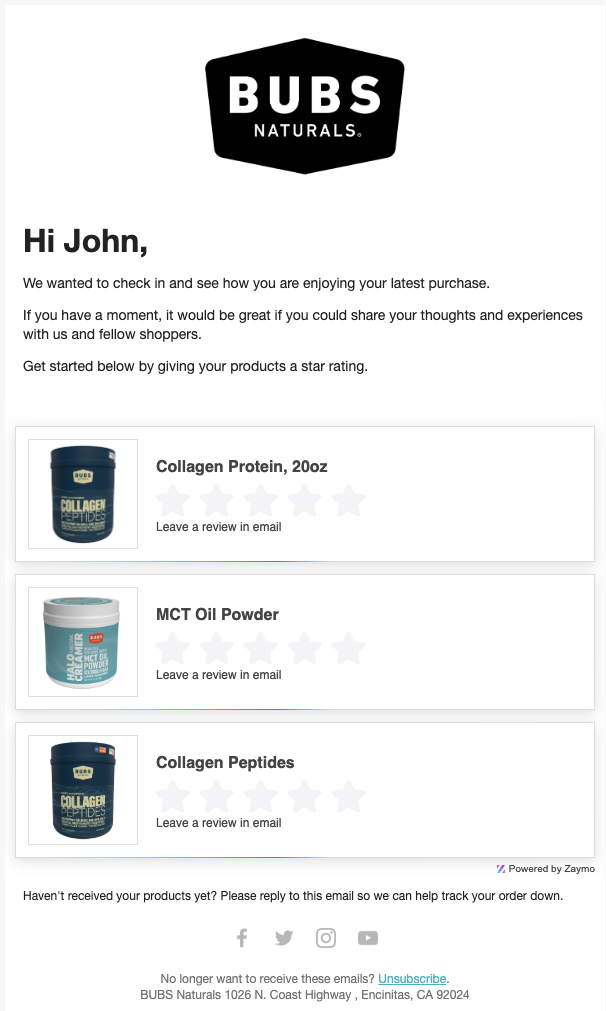 | Optimal timing for this email will depend on the value cycle of your product We recommend two emails in this flow, with the latter filtering for any profiles which have already left a review |
Recommendation for flow setup
We recommend at least two emails in the review collection flow.
Email 1: The first delay should line up with your product's time to value. Make sure the user has received the product and has had time to have a positive impression. This delay is typically set up in your reviews app and affects when the Klaviyo trigger is sent
Email 2: The optimal second delay is typically between 4-7 days and can be set up using a 'time delay' node in your Klaviyo flow