Shopify
Last updated: March 11, 2026
Zaymo's integration with Shopify powers in-email shopping in blocks like the product block and product blocks. The integration will pull up-to-date information from your Shopify storefront and display it in your Zaymo marketing emails.
What does Shopify enable?
Shopify alone enables the product block and product grid blocks.
Shopify is a prerequisite to review collection. Integrate with a reviews provider to unlock the reviews block
Shopify is a prerequisite to subscription management. Integrate with a supported subscription app to unlock subscription blocks such as:
Connecting Shopify to Zaymo
Before continuing, make sure you are log in to your Shopify account as the store owner or a user with Develop apps permission (users assigned the App Developer role have this permission).
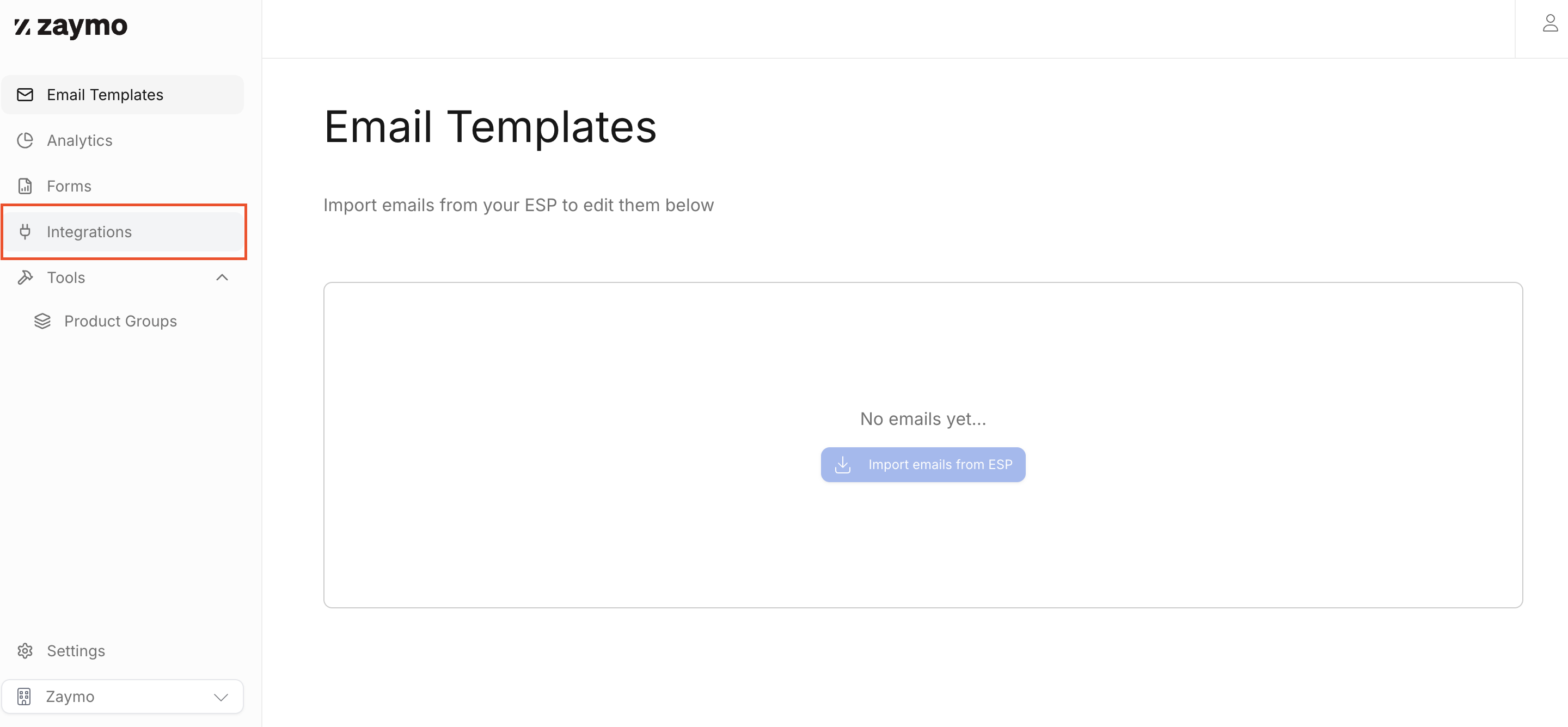
In Zaymo, navigate to the Integrations tab.
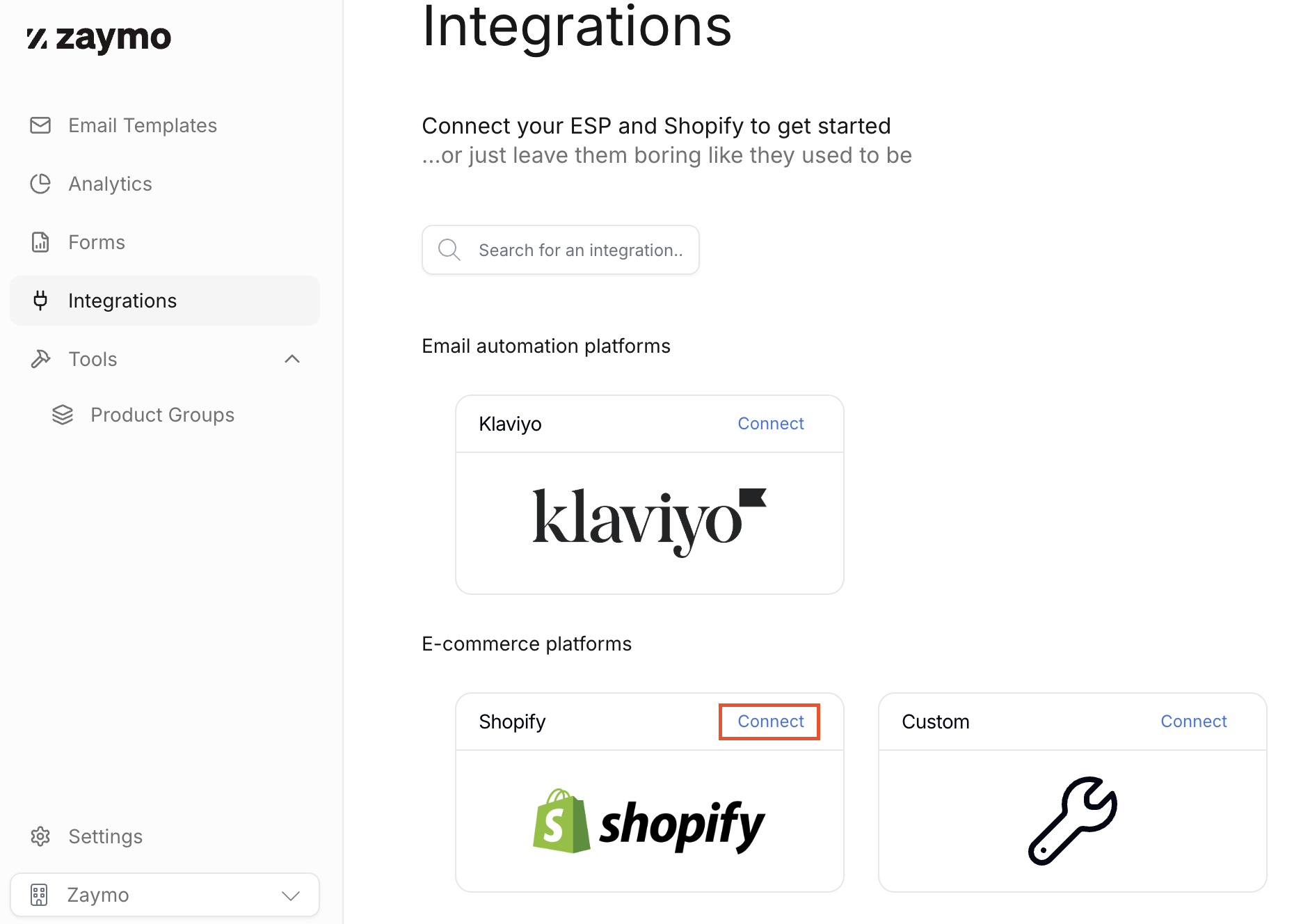
On the integrations page, find Shopify and click "Connect."
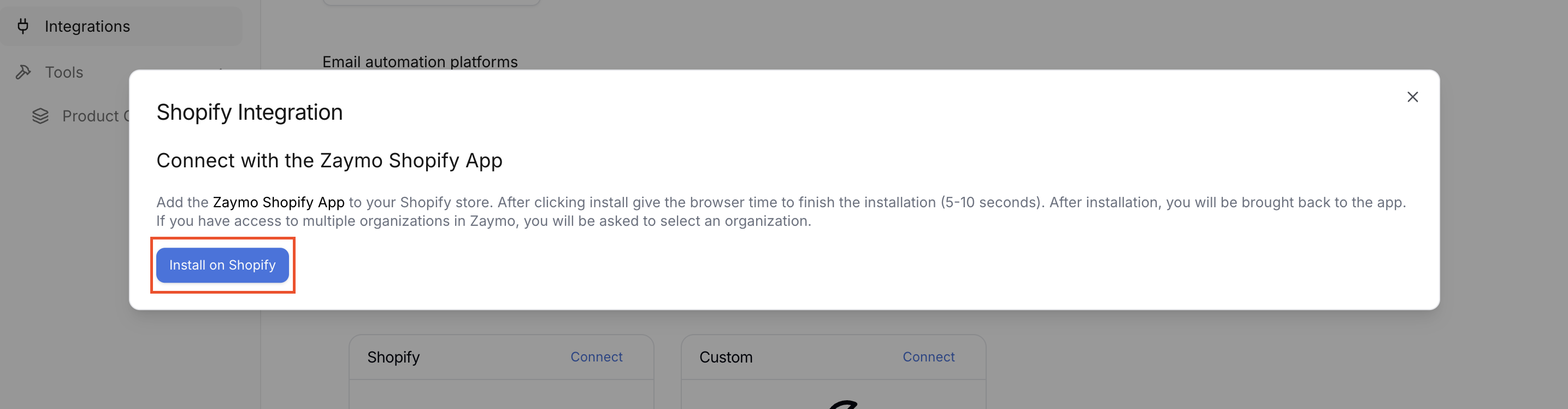
After the popup window appears, click "Install on Shopify."
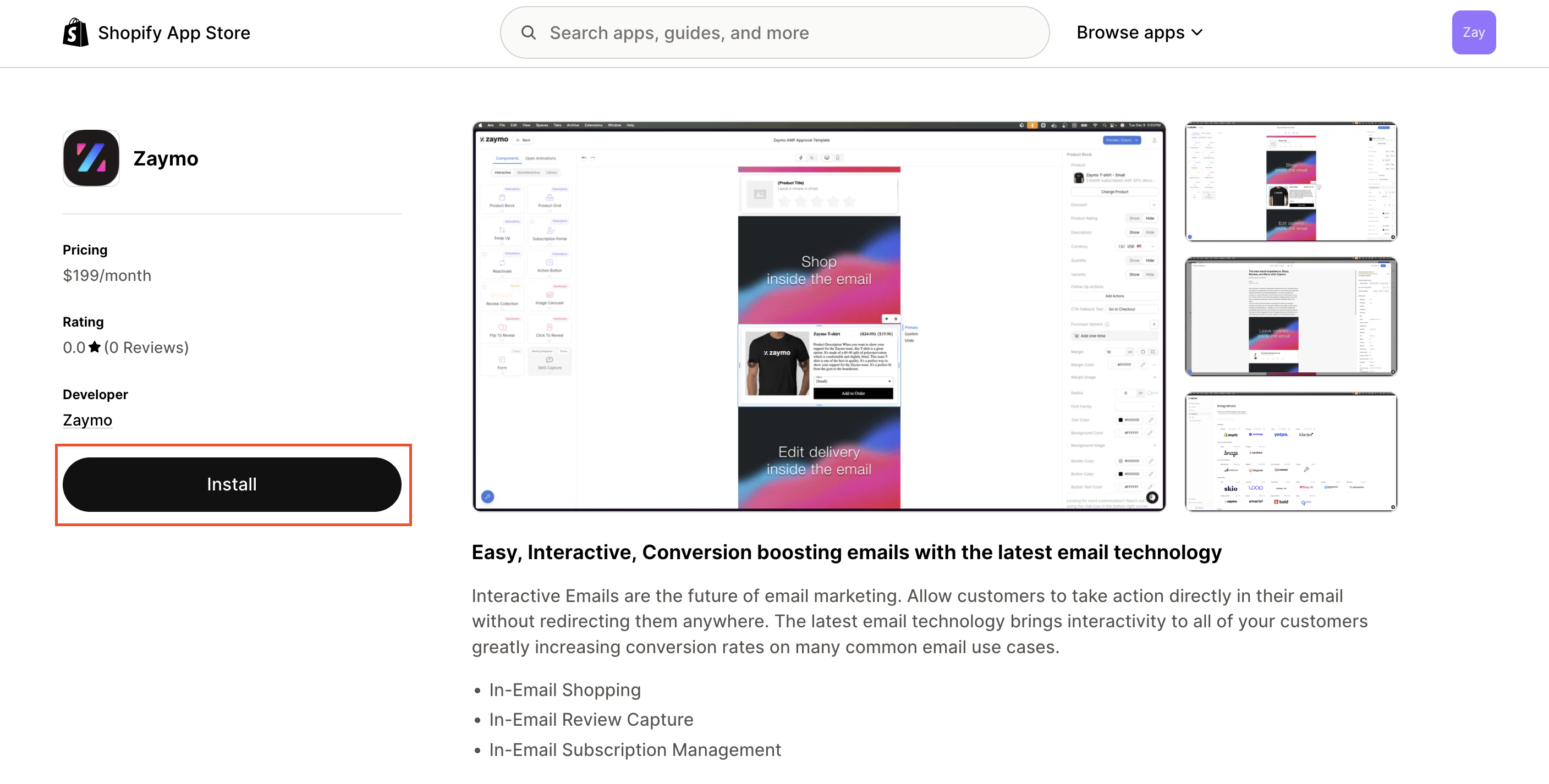
From the Shopify App Store page, click "Install" for the Zaymo app. It will take around 5-10 seconds to install. After installation, it will automatically bring you back to your organization in Zaymo.
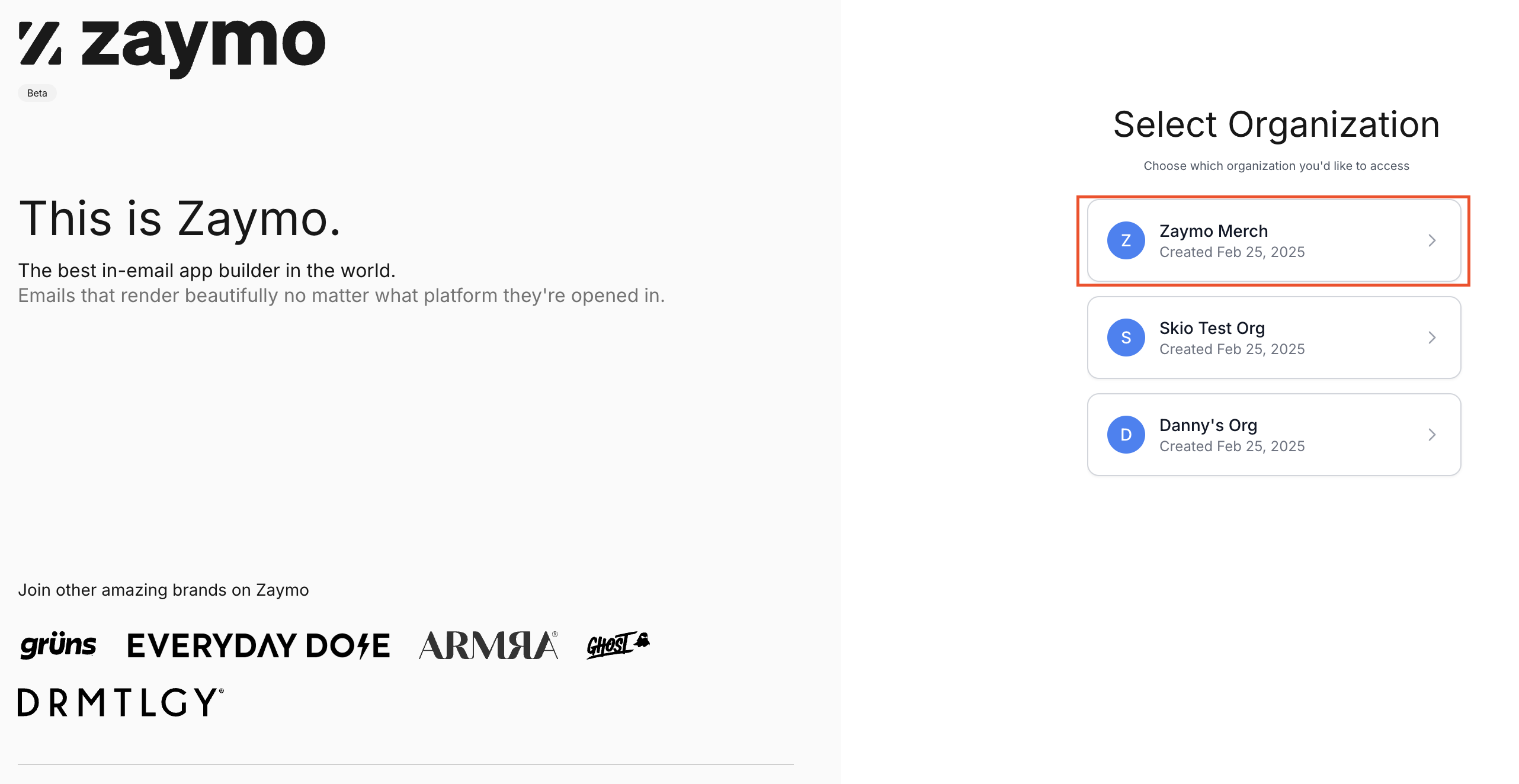
If you have access to multiple organizations in Zaymo, you will be asked to select an organization.
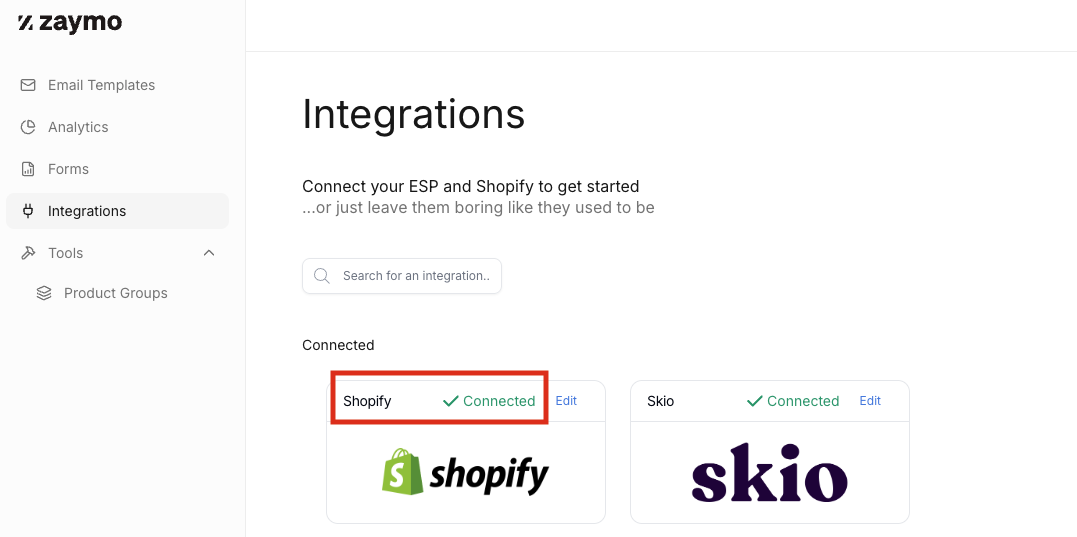
Double check that the integration is complete by going back to Integrations and verify that Shopify is "Connected."
If you are not seeing that Shopify is connected after completing these steps, please reach out to support for assistance.